
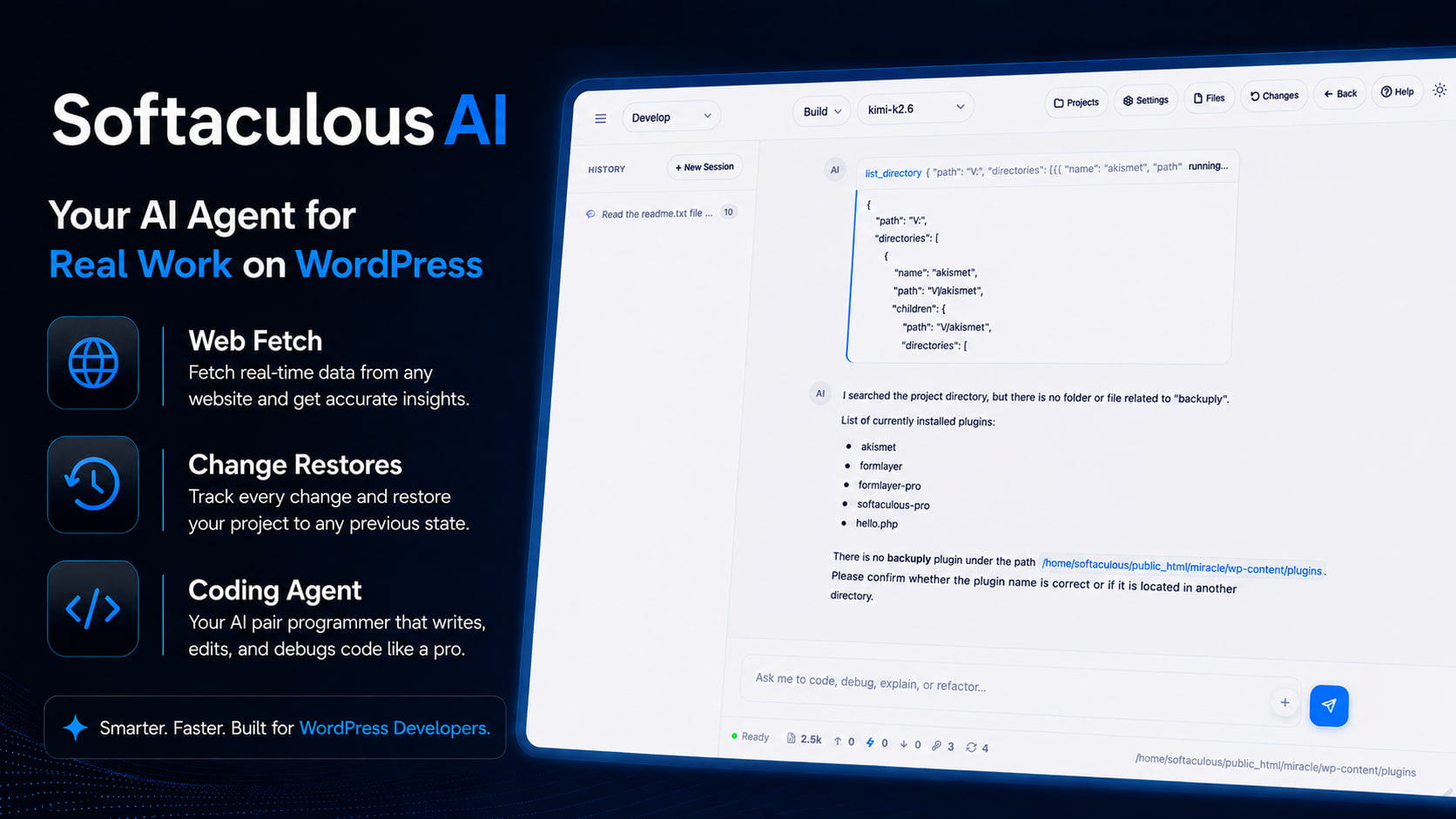

We are happy announce the launch of Softaculous AI in SoftWP v2.3.8, this is our take on Agentic AI for WordPress, to help you improve Workflows and boost productivity.
For a long time, AI in the WordPress space has been treated as a simple assistant - a tool you ask to write a paragraph or generate an image. With SoftWP v2.3.8, we are taking a massive leap forward. We are moving from AI that just talks to AI that actually does.
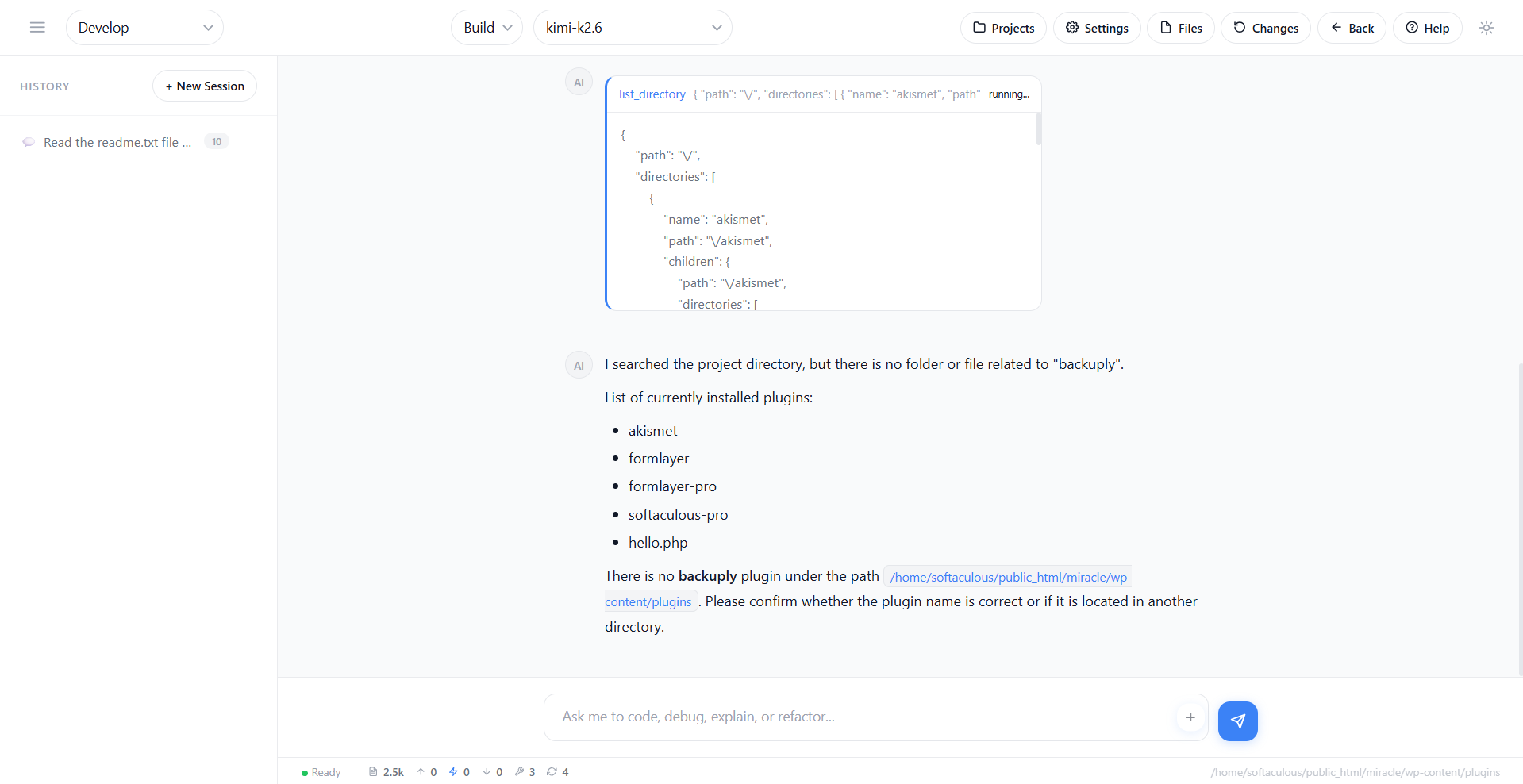
What is SoftaculousAI?
It's not just an assistant; it's a complete, built-in coding agent. SoftaculousAI doesn't just answer questions-it can read and write files and pull live content from the web.
Here is what that looks like in practice:
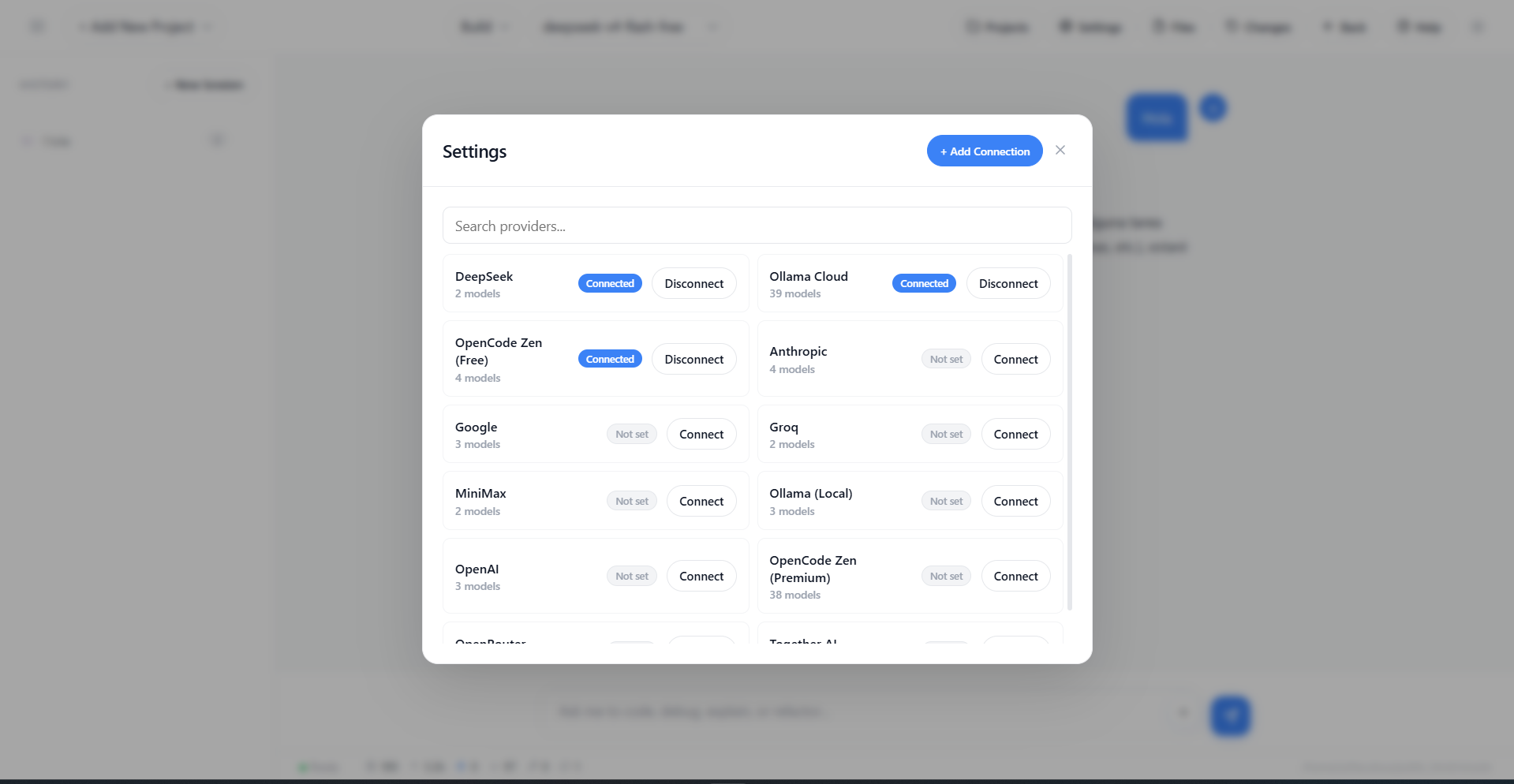
AI Providers
SoftaculousAI comes with 11 AI providers, so you can use the AI API you like, here is the list of all the Providers:
Know Your Context
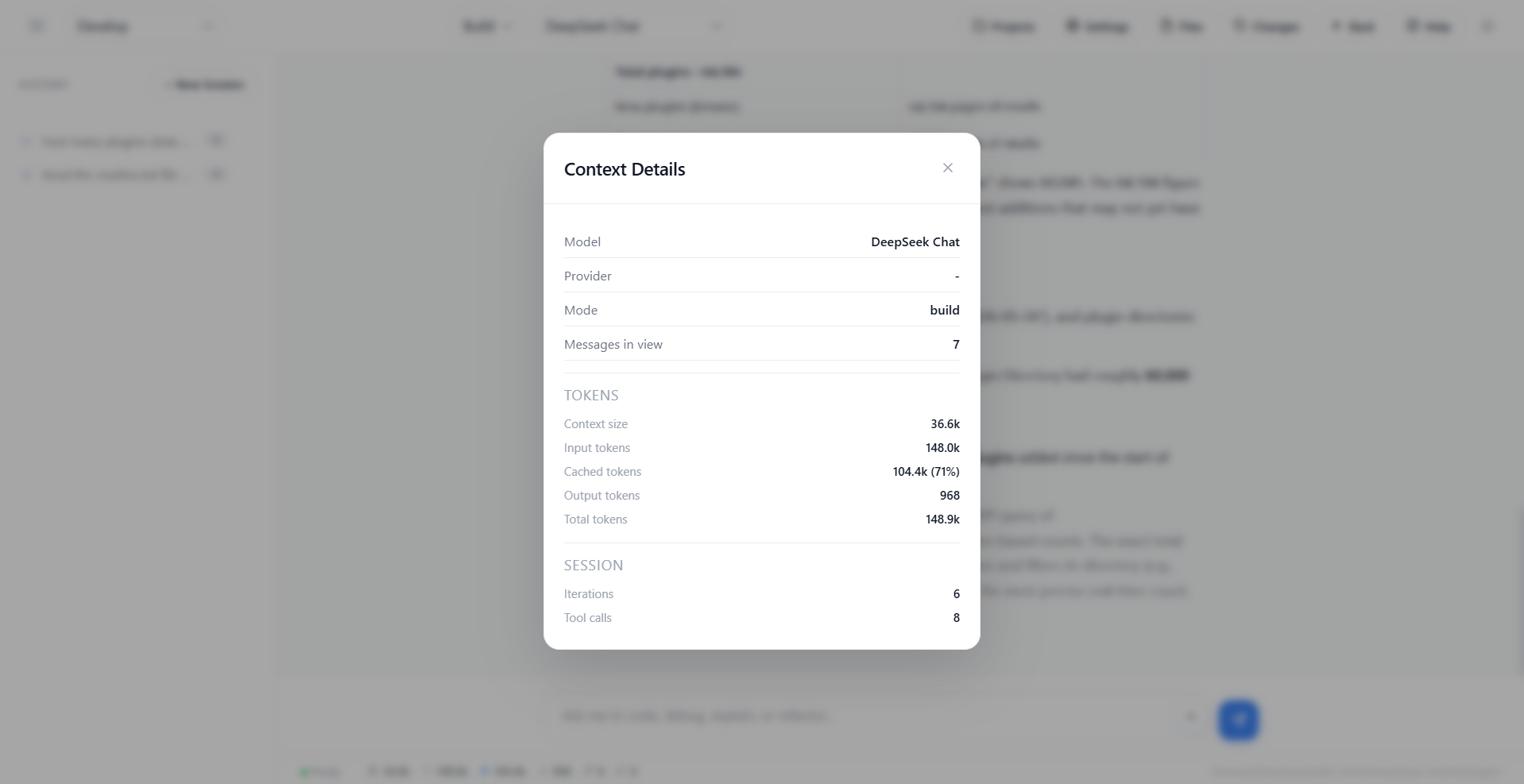
AI efficiency matters. SoftaculousAI monitors your token consumption in real-time, serving up meaningful data so you can analyze how effectively you're utilizing resources.
It also solves a common AI headache: knowing when a chat has gone on too long. By tracking your current context window, SoftaculousAI helps you decide exactly when to start a new session to prevent performance degradation and keep your AI agent running at peak intelligence.
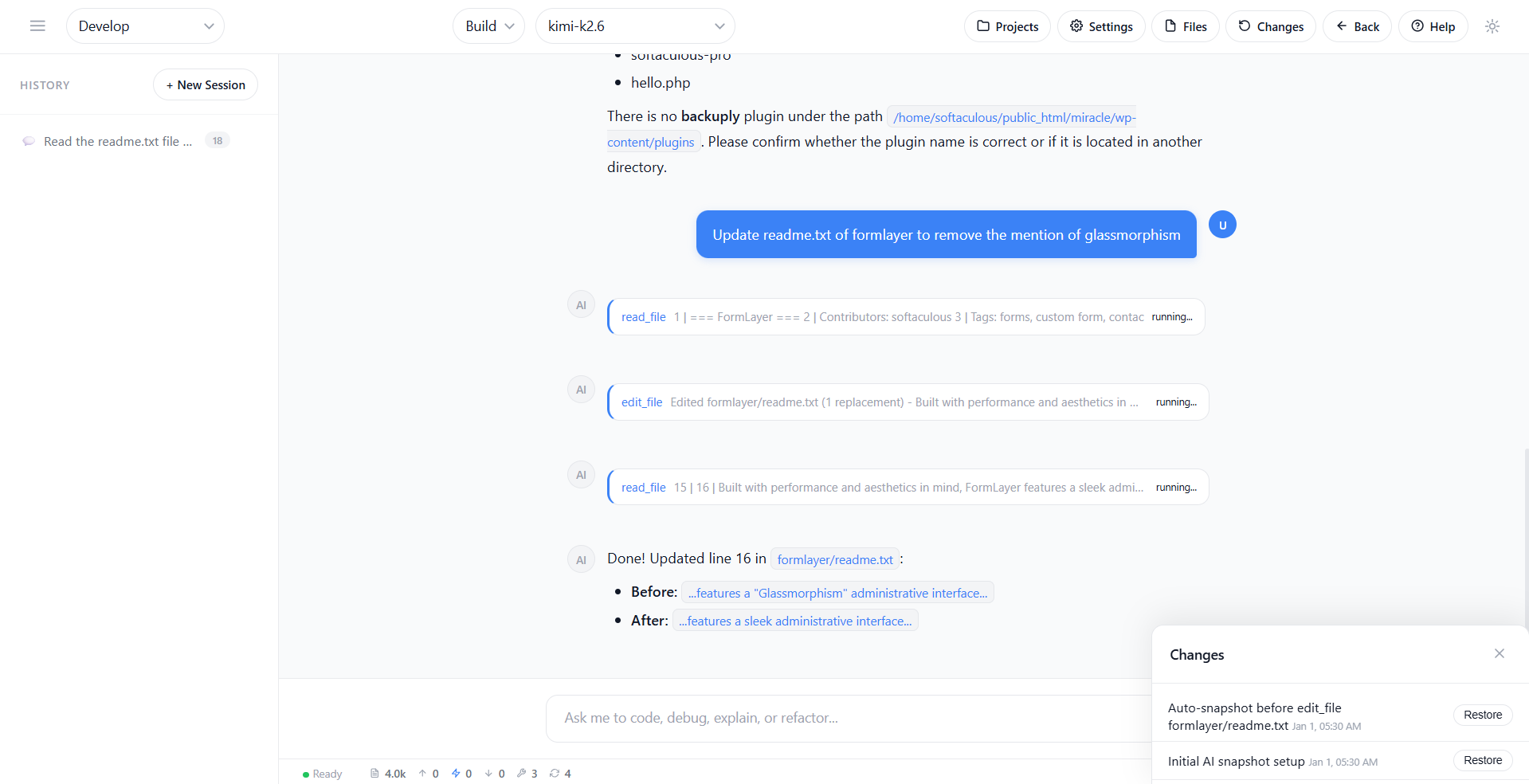
Restore when needed
If the AI makes a change you aren't happy with, don't worry—you can instantly roll back to the file's previous state.
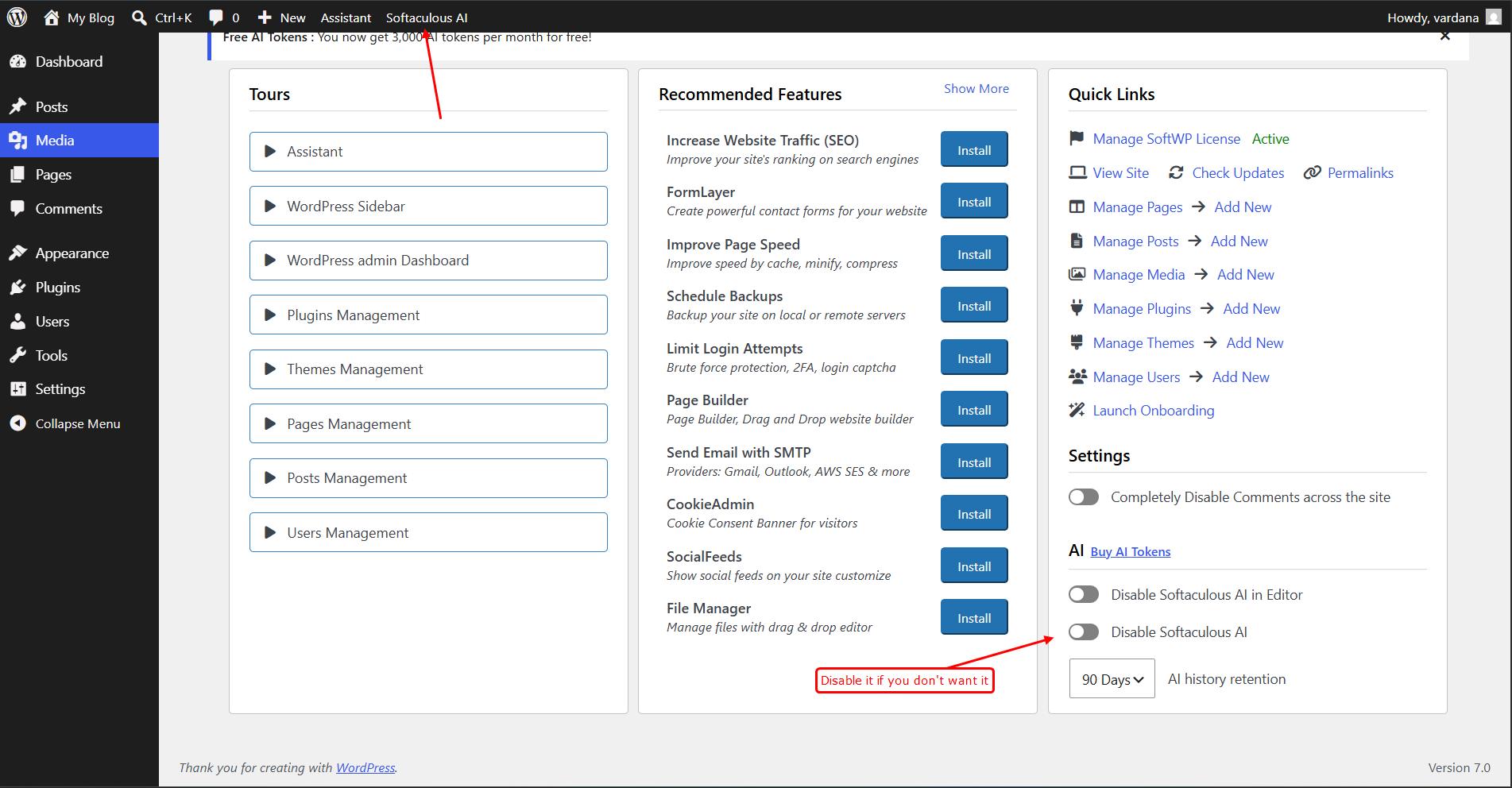
How to Access?
To access follow the following steps:
What's Next
While version 1.0 lays a powerful foundation, it's only the starting line. We are committed to rapidly expanding SoftaculousAI's capabilities. As the potential for AI agents grows, we'll be updating the platform continuously, and your feedback will play a direct role in shaping what we build next.
If you have any feedback or suggestion reach out to us at our Support Platform